
Quick answer: For most 2D vs 3D animation explainer videos, 2D is the right call when you’re walking people through a process, a piece of software, or any idea that lives more in the head than in the world. 3D earns its keep when you’re selling something you can hold: a product, a device, a physical thing. The reason is mostly about the pipeline. 2D skips modeling, rigging, and rendering, so it’s cheaper and faster to make. 3D costs more and takes longer, but it looks real, it has weight to it, and you can reuse the assets. So the honest question is what you actually need: a clear, quick explanation, or a believable product?
By the Pixlnexs Animation Studio team we produce AI video and 3D content and run store.pixlnexs.com, so this reflects real production experience.
This is the Pixlnexs Animation Studio team. We produce AI video and 3D content and run the marketplace at store.pixlnexs.com, so what follows comes out of real production work, not a survey of someone else’s.
“2D or 3D?” is usually the very first thing you have to settle before an explainer goes into production, and it’s one of those calls that quietly locks in your budget, your schedule, and how many rounds of revisions you can afford. Get it wrong in one direction and you overpay for 3D on a job 2D would have done better. Get it wrong the other way and you save money but never actually show the one thing that would have sold the product.
What 2D vs 3D animation explainer video
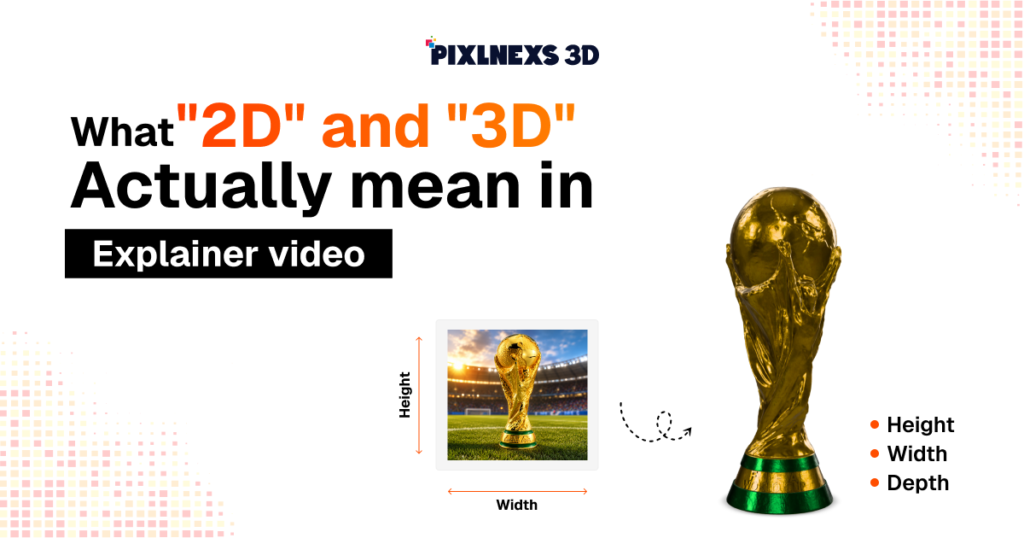
The labels sound obvious. What actually drives your decision is the production reality sitting behind each one.
2D animation
2D animation moves flat artwork around: vector shapes, illustrated characters, icons, text, UI mockups, all sliding along the X and Y axes. There’s no real depth. Any sense of space is faked with overlap, scale, and shadow.
You’ll usually see one of three flavors. Motion graphics (animated typography, charts, icons), character animation in a flat illustrated style, or screencast-plus-polish, where real product UI gets composited into an animated frame.
The tooling mostly centers on After Effects and vector illustration, with AI increasingly handling in-betweening for lip sync and movement.
3D animation
3D animation builds objects in a virtual space with actual depth (X, Y, and Z). Every asset gets modeled, given materials and textures, lit, rigged if it needs to move, animated, then rendered frame by frame.
Because the scene lives in true 3D, you can swing the camera around, show a product from any angle, do exploded views of hardware, and reuse the same model across many shots and future videos. The catch is a heavier pipeline. Modeling and rendering are where the time and money go.
Head-to-head: 2D vs 3D for explainers
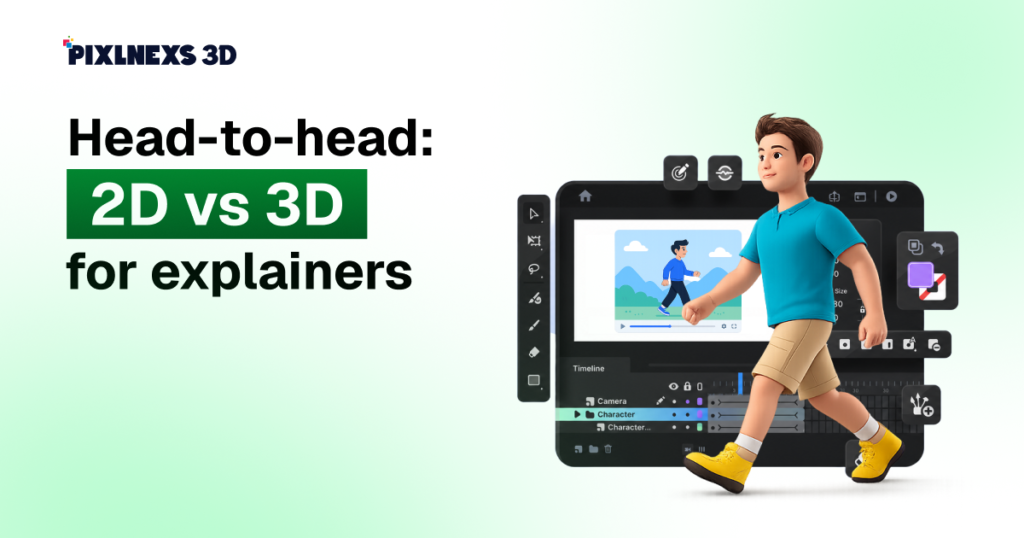
Here’s how the two stack up across the factors that usually decide a project.
| Factor | 2D animation | 3D animation |
|---|---|---|
| Relative cost | Lower | Higher (often 2-4x for comparable length) |
| Typical timeline | Faster | Longer (modeling + render time) |
| Best for | Processes, software, abstract ideas, data | Physical products, hardware, spatial concepts |
| Revisions | Easier and cheaper to change | Costlier once modeling/rendering is done |
| Asset reuse | Limited (re-angling means redrawing) | Strong (re-angle, re-light, reuse models) |
| Perceived polish | Clean, friendly, brand-flexible | Premium, realistic, “high production value” |
| Showing depth/360° | Limited (faked) | Native strength |
Read those cost multiples as directional, not gospel. The real number swings with length, complexity, how many characters are involved, and render quality. For a grounded breakdown, see our pricing guide linked at the end.
When to choose 2D animation
2D is the default we reach for when the job is to make an idea clear, fast, and on brand.
You have to describe some software or a certain process.
For anything like that, whether it’s a SaaS product, an app, or a flowchart, 2D fits much better. Animated UI elements, icons, and step-by-step graphics show people how to do something far more clearly than a 3D version ever would. And there’s a practical upside: when the copy or the screens change later (and they will), updating flat artwork is trivial. Re-rendering a 3D scene to match a UI tweak is not.
You need it quickly or on a tight budget
Since 2D skips modeling, rigging, and frame-by-frame rendering, it moves through production faster and costs less. When there’s a launch date breathing down your neck or a hard budget cap, 2D lets you ship a polished explainer without the long tail of a 3D pipeline.
Your concept is abstract
Ideas like “data security,” “scalability,” “savings over time,” or “how a network connects” have no literal physical form. Flat metaphors, charts, and stylized characters handle abstraction gracefully, and they let your brand personality come through in color and illustration style.
When to choose 3D animation
3D earns its higher cost when the message depends on something physical, spatial, or premium.
You’re showing a physical product
For hardware, devices, machinery, packaging, medical equipment, or anything with a tangible form, 3D lets you rotate the product, zoom into details, and do exploded views that reveal what’s inside. This is the single most common reason to go 3D. You can show the thing from angles a camera could never reach, often before the product even physically exists.
Spatial relationships matter
If your explainer has to show how parts fit together, how something moves through space, an architectural walkthrough, or how a mechanism works on the inside, depth stops being optional. 3D conveys those relationships natively instead of approximating them.
You want premium production value
Realistic materials, lighting, and reflections read as “high-end.” For category leaders, hero product launches, and brands competing on perceived quality, the polish of well-lit 3D can justify the cost. The reusable models are a bonus. Once built, the same assets can power future videos, ads, and store listings, which is exactly why a marketplace of ready 3D models, like the one we run at store.pixlnexs.com, can dramatically cut the cost of going 3D.
The hybrid approach: why it’s often the real answer
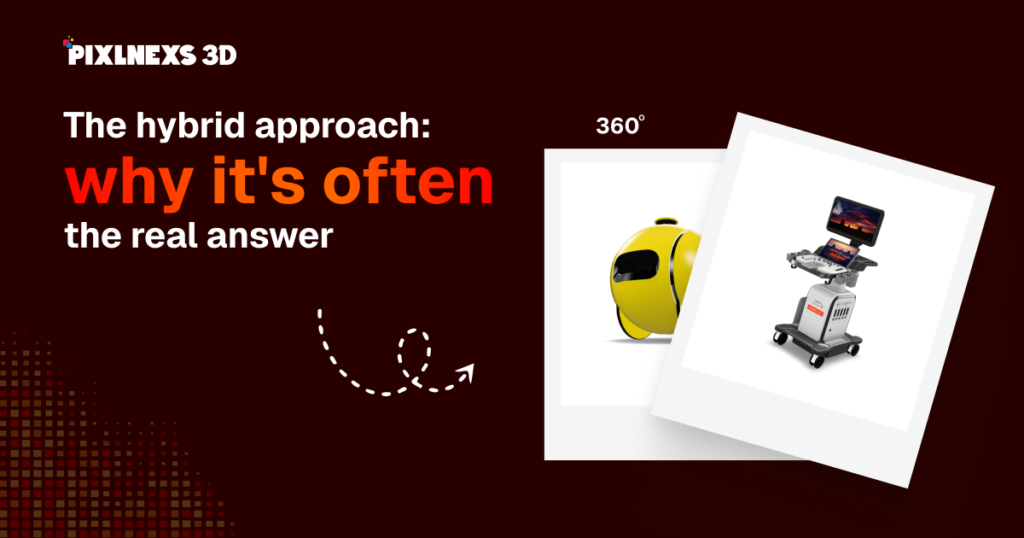
In practice, a lot of the best explainers don’t pick a side at all. They blend the two. You carry most of the video on 2D motion graphics (text, data, story pacing) and save 3D for the hero shots where you genuinely need to show the product off. That way the bulk of the piece stays cheap and quick, and you’re not burning expensive 3D budget on frames that didn’t need it.
There’s a scheduling win too, and it’s the part clients tend to overlook. You can build the 2D sections while the 3D objects are still being modeled and rendered in parallel, so the two tracks overlap instead of stacking end to end. On a tight timeline, that overlap is often what makes the deadline.
A simple framework to decide
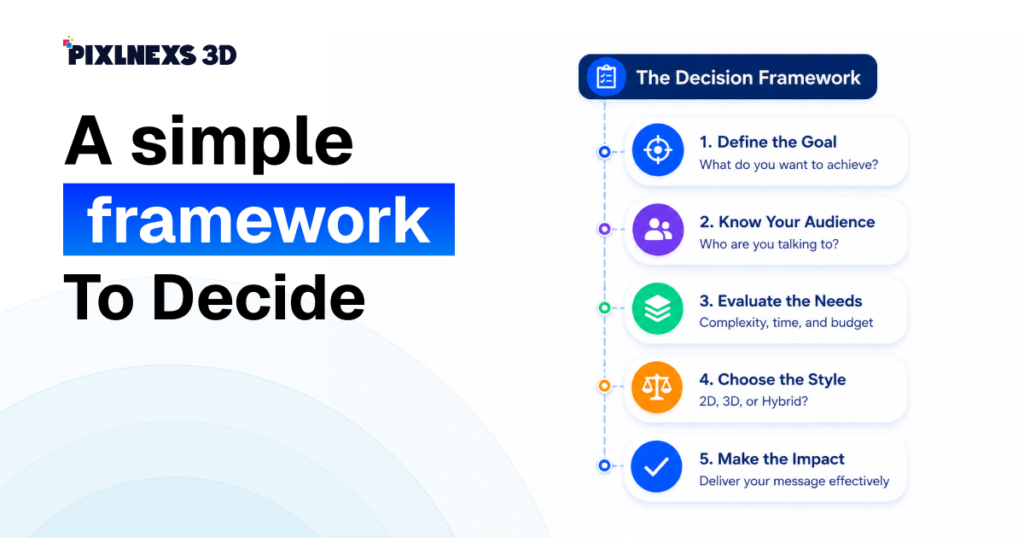
When a client is on the fence, we run through four questions:
- Is the subject physical or on-screen? Physical leans 3D; on-screen leans 2D.
- Does depth or a 360° view change understanding? If yes, 3D. If overlap and labels are enough, 2D.
- What’s the budget and deadline? Tight on either pushes you toward 2D or hybrid.
- Will you reuse the assets? Heavy reuse across many videos and listings favors investing in 3D models once.
If three of the four point the same way, that’s your answer. If they split, hybrid is usually the smart compromise.
How AI is changing this decision
AI-assisted production is closing the old gap between 2D’s speed and 3D’s cost. On the 2D side, AI now helps with in-betweening, lip sync, and style-consistent illustration, compressing work that used to eat days of frame-by-frame labor.
On the 3D side, AI-assisted and generative model creation, plus libraries of ready-made models, chip away at the most expensive stage (modeling), so 3D becomes viable for projects that couldn’t have touched it before. The practical takeaway: the old “3D is always too expensive” assumption is getting shaky. It’s worth re-checking whether 3D is feasible for your specific project instead of ruling it out by reflex.
For background on how 3D content is delivered on the web, the Khronos Group’s glTF format is the widely adopted standard, and 3D computer graphics on Wikipedia is a solid primer on the underlying pipeline.
Frequently asked questions
Is 2D or 3D animation cheaper for an explainer video?
2D is almost always cheaper because it skips modeling, rigging, and frame-by-frame rendering. As a directional range, 3D often costs roughly 2-4x more than comparable-length 2D, but the true figure depends on length, complexity, and render quality. Using ready-made 3D models can narrow that gap significantly.
Which converts better, 2D or 3D explainer videos?
There’s no universal winner. Conversion comes down to message-to-style fit, not the dimension count. A clear 2D explainer for software typically outperforms an over-produced 3D one, while a physical product often converts better in 3D because viewers can actually see it. Match the style to what your audience needs to understand to say yes.
How long does each take to produce?
2D explainers generally move faster because there’s no modeling or long render stage. 3D timelines run longer due to modeling, texturing, lighting, and rendering. Exact timelines vary widely with scope; a short 2D piece can ship in a fraction of the time a comparable 3D piece needs.
Can I mix 2D and 3D in one video?
Yes, and it’s often the best value. A common pattern is a 2D motion-graphics backbone with 3D reserved for hero product shots. This keeps most of the video fast and affordable while spending the 3D budget only where depth and polish matter most.
Does 3D animation always look more professional?
No. Polished, well-paced 2D can look more professional than rushed or poorly lit 3D. “Professional” comes from strong concept, clean motion, good sound, and the right style for the message, not from the dimension. Choose based on fit, not prestige.
Is AI-generated 3D good enough for client explainers?
It’s increasingly viable, especially for cutting modeling time and sourcing base assets that artists then refine. Quality varies by tool and use case, so AI-assisted 3D is best treated as an accelerator within a human-directed pipeline rather than a fully hands-off solution for client-facing work.
What if I’m not sure which my project needs?
Run the four-question framework: physical vs on-screen, does depth matter, budget and deadline, and asset reuse. If three of four point one way, follow them; if they split, go hybrid. When in doubt, start with a 2D-led plan and add 3D hero moments.
Related guides
- How Much Does a 3D Animation Video Cost in 2026? Full Pricing Breakdown (cluster hub)
- How to Write a Brief for a 3D Animation Studio (Template Included)
- Browse ready-made 3D models at store.pixlnexs.com








Leave a Reply