
Tag: 3d modelling services
-

Best 3D Character Models for Games, AR/VR & Animation: A Buyer Guide
How to choose 3D character models — topology, rigging, blendshapes, PBR, poly budget, format and licensing — for games, AR/VR and animation.
-
Game-Ready 3D Assets: Where to Find Optimized Models for Your Engine
Where to find game-ready 3D assets: an honest comparison of marketplaces, free libraries, and studios, plus a vetting checklist for topology, LODs, and licensing.
-
Game-Ready 3D Models: What “Game-Ready” Actually Means
What “game-ready” really means for a 3D model: polygon budgets, clean topology, UVs, PBR textures, scale, LODs and rigging — plus how to vet an asset.
-
GLB vs GLTF: The Real Difference (and When to Use Each) in 2026
GLB vs glTF explained: same glTF 2.0 standard, different packaging. When to use the single binary GLB vs multi-file glTF for web, AR, games and editing.
-
How to Hire a 3D Animation Studio: A Step by Step Checklist
A practical checklist to hire a 3D animation studio: define deliverables, set budget, shortlist on the right signals, compare fairly, and lock ownership terms.
-
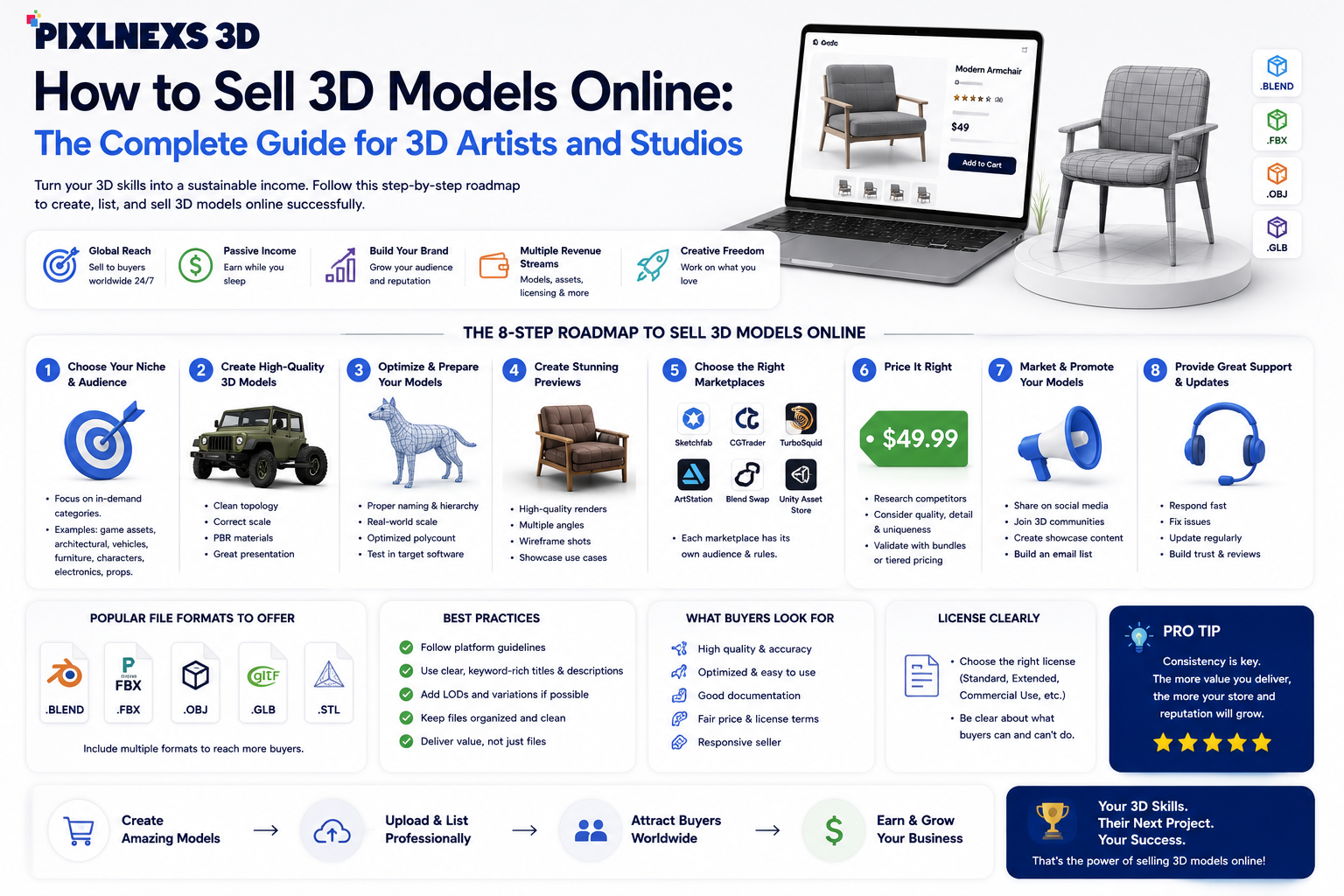
How to Sell 3D Models Online: Complete Guide for Artists & Studios
Learn how to sell 3D models online with our complete guide. Maximize profits, reach global markets, and grow your 3D art business.
-
How to Add a 3D Product Viewer to WooCommerce
A practical, honest guide to adding a 3D product viewer to WooCommerce: free model-viewer, plugins, and configurators compared, plus where to get models.
-
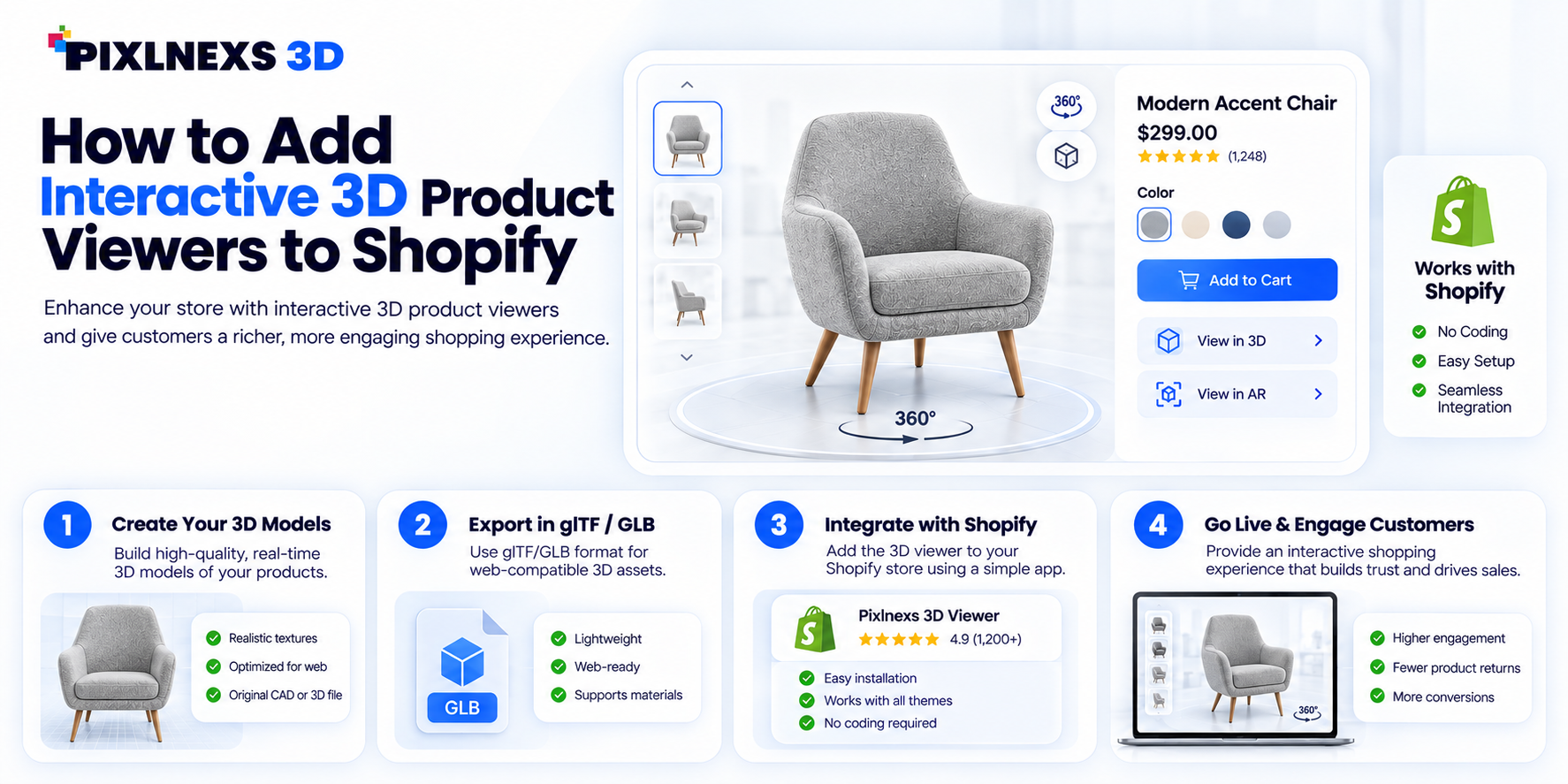
How to Add Interactive 3D Product Viewers to Shopify
Add an interactive 3D product viewer to Shopify the right way: native GLB media, custom model-viewer embeds, or apps, plus file-format and performance tips.
-
USDZ Files Explained: How to Create AR Quick Look Assets for iPhone
Learn what USDZ files are and how to create, optimize, and link AR Quick Look assets so iPhone and iPad users can place your 3D models in their real room.
-
How to Import 3D Models Into Unity (GLB, FBX and Best Practices)
Learn to import 3D models into Unity using GLB, FBX or OBJ — format trade-offs, a step-by-step workflow, scale and material fixes, plus a post-import checklist.