
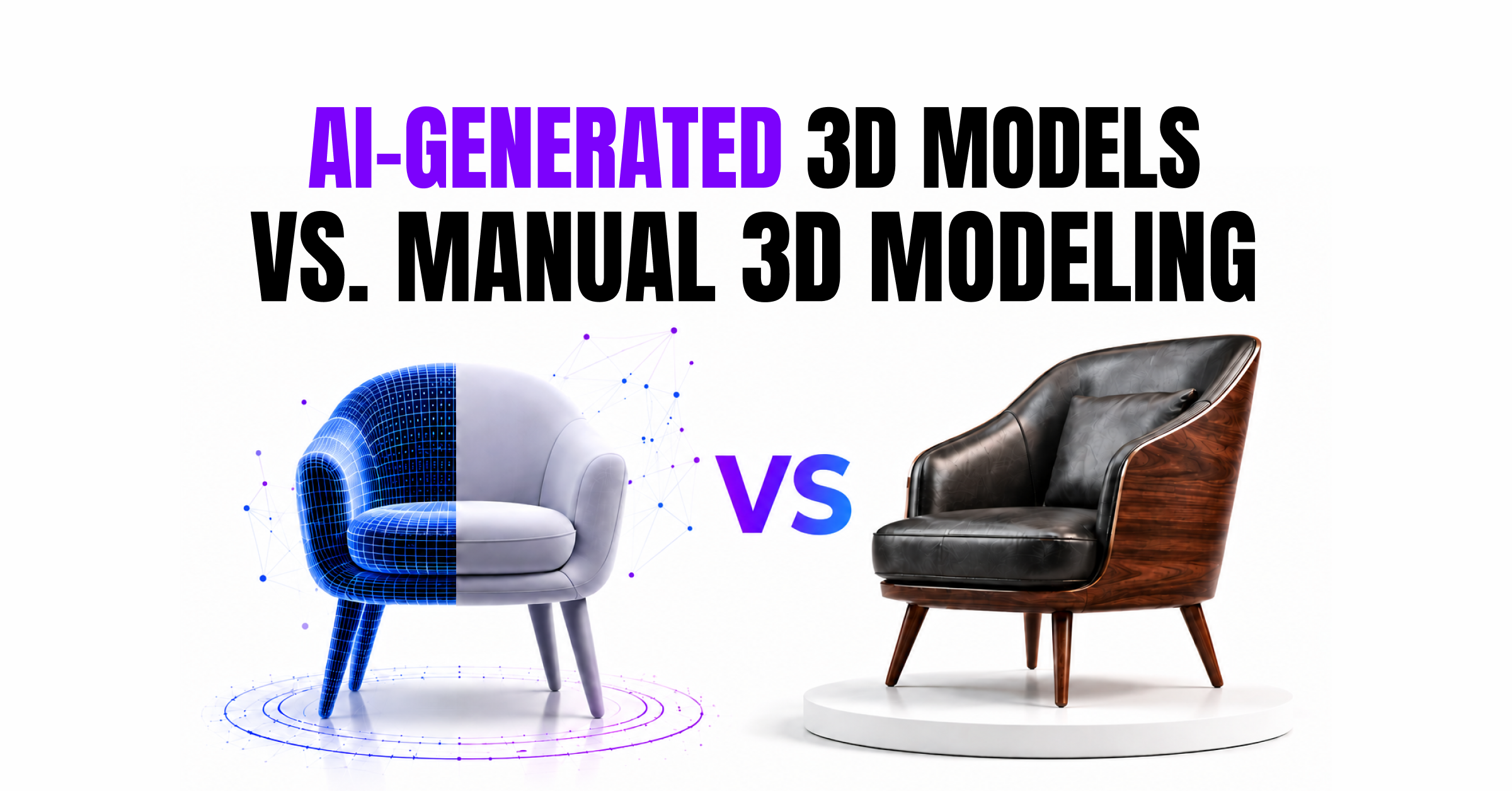
Your product visuals are often the only thing standing between a browser and a buyer.
In 2026 shoppers don’t just want to see a product they want to rotate it inspect every angle and picture it in their space before they ever add it to cart. That’s exactly what 3D product visualization delivers. But here’s the question most brands are wrestling with right now:
Should you generate Manual 3D Modeling crafted by hand or Ai generated 3D models?
It is an important decision. Get it right and you have a good visual strategy that drives conversions. Get it wrong and you’re either burning budget on unnecessary production costs or publishing assets that quietly undermine your brand’s credibility.
This guide breaks down the real differences between AI Generated 3D models and Manual 3D Modeling assets cost, quality, speed, brand fit and everything in between so you can make the right call for your business.
What Are AI-Generated 3D Models?
AI generated 3D models are created using machine learning tools that interpret a text prompt a photograph or a reference sketch and automatically generate a fully textured three dimensional digital object.
Tools like Meshy Tripo AI Rodin and Hunyuan3D now dominate this space. What started as a rough experiment has improved a lot over the years. By 2026 these tools can create detailed 3D models with realistic textures and ready to use files in just a couple of minutes.
What Are Manually Created 3D Assets?
Hand modeled 3D assets are created by skilled 3D artists using tools like Blender, Maya, 3ds Max, or Cinema 4D. They either build the product from scratch or use a CAD file as a guide. After that, they add textures, materials, and lighting to make the model look as realistic as possible.
Brands have relied on this approach for years because it delivers accurate and high quality results. It’s still the best option when detailed and true to life product visuals are important.
Head to Head: AI vs. Manual 3D Modeling
Speed
This one is not even close.
AI tools generate models in 30 seconds to 2 minutes. What used to take a 3D artist 2 to 40 hours of work can now be produced almost instantly.
Manual modeling takes time anywhere from a few hours for a simple object to several days for complex detailed products. Then add revision cycles on top of that.
AI wins decisively on speed.
Cost
Here’s where things get interesting for growing brands.
AI generated models can cost as little as a few cents per model on AI platforms with professional subscription plans typically running under $20 to $50 per month for hundreds of outputs.
Manual 3D modeling depending on the complexity and the studio typically runs $50 to $500 per model and for premium photorealistic work significantly more.
For a brand with 200 SKUs? The math becomes obvious quickly.
AI wins on cost for volume production.
Quality & Accuracy
This is where the real conversation lives.
AI models currently achieve 85 to 95% accuracy for common objects everyday products furniture hard-surface items with clean geometry. For these product types that quality is genuinely good enough for ecommerce product pages AR viewers and marketing visuals.
However accuracy drops to 60 to 75% for:
- Products with intricate mechanical parts
- Items with transparent or highly reflective materials (glass chrome gemstones)
- Very fine surface details small engravings micro-textures tight stitching
- Complex organic shapes
Manual 3D modeling by contrast gives you 100% accuracy and complete control over every vertex material and surface detail. A skilled 3D artist can recreate the product to look just like the real thing using a CAD file or detailed instructions. For luxury products like jewelry, premium electronics, or items with fine details, this matters a lot. Customers expect every texture, finish, and small detail to look true to the actual product. Manual 3D modeling is the better choice when accuracy and fine details matter most. AI works well for creating large numbers of models quickly when near-perfect precision isn’t essential.
Web Performance and File Size Boundaries
Strict Budgets: Major e-commerce platforms (like Shopify or Amazon) require GLB files to be tiny, often under 15MB (ideally under 5MB).
AI Bloat: AI-generated models are notoriously dense, creating millions of useless polygons that will crash a mobile web browser.
Human Optimization: Your ability to manually retopologize, collapse modifiers, and bake details into a low-poly mesh is the only way to keep loading times fast.
Bounce Rates: If a web page takes more than 3 seconds to load an AI’s bloated GLB model, customers leave the site
PBR Texture Perfection: The Substance Painter Advantage
- Accurate Materiality: E-commerce demands that a product looks identical to the real-world item to prevent customer returns.
- Substance Precision: Your Substance Painter workflow allows you to input exact roughness, metalness, and normal values for materials like brushed aluminum, leather, or velvet.
- AI Texture Failures: AI textures cannot replicate true PBR physics accurately; they often “bake” lighting directly into the base color, making the product look fake when rotated in an interactive web viewer.
- Channel Packing: You know how to pack roughness, metallic, and ambient occlusion maps into single channels to optimize the GLB file size for web rendering
Precise CAD and Real-World Dimensions
- Millimeter Accuracy: E-commerce models must match exact real-world dimensions (scale, height, width) so customers can use AR (Augmented Reality) to see if a sofa or appliance fits in their room.
- AI Distortion: AI generation tools cannot read a blueprint or reference sheet to create accurate proportions. They guess the shape, resulting in skewed, warped, and unsellable representations.
- Symmetry and Straight Edges: Products have hard edges, perfect cylinders, and clean bevels. AI models look lumpy, organic, and melted.
Endless loop: Why You Can’t Just Edit an AI 3D Model
This is the limitation most brands only discover after they’ve already committed to an AI workflow.
When you submit a prompt to an AI 3D generator, whether it’s a text description or a reference image, the tool processes your entire input and produces a single, unified output. It doesn’t build a model the way a 3D artist does: layer by layer, part by part, with each element independently adjustable. It generates a complete object in one pass.
That distinction becomes a serious problem the moment something is wrong.
Say you’re generating a 3D model of a mobility scooter. The chassis looks excellent. The seat proportions are spot on. But the wheels are the wrong shape and one of the footrests has a stretched texture. In a manually built 3D file, a skilled artist selects the wheel geometry, corrects it in seconds and moves on. The rest of the model is untouched.
In an AI generated 3D models, that fix doesn’t exist.
You can’t select the wheel. You can’t isolate the texture. The entire output is a single baked object with no editable parts, no named layers and no mesh hierarchy you can work with.
Your only option is to write a new prompt and regenerate from scratch. And this is where the real frustration begins:
- Fix the wheels in the new prompt and the chassis proportions shift
- Correct the texture and the overall geometry changes slightly
- Get everything right and the lighting bakes differently than before
Each regeneration is a gamble. You’re not editing a model. You’re rolling the dice on a completely new one and hoping it’s closer to what you need.
For brands working to tight timelines or precise product specifications, this loop isn’t a minor inconvenience. It’s a workflow blocker that quietly erodes the time savings AI promised in the first place.
Brand Alignment
This is the factor most guides skip over and it’s arguably the most important one.
Manual 3D modeling doesn’t just produce a product representation. A good 3D studio understands your brand’s visual language the way light hits a surface how materials should feel what “premium” looks like in your category. They can match the exact tone and texture of your packaging. They can create lifestyle scenes with your brand colors . They build assets that slot naturally into your existing creative direction.
AI tools are getting better at customization but they’re not there yet. The output feels utilitarian. It represents the product accurately but it doesn’t always represent the brand.
If you are selling midrange consumer goods and need volume this is fine. If you are a luxury brand investing in brand equity with every visual touchpoint you’ll notice the difference and so will your customers.
Manual modeling wins on brand expression and creative control.
Scalability
This is AI’s biggest advantage and it’s a significant one.
Once an workflow is set up Ai generated 3D models for 500 or 5000 products is a logistics challenge not a production bottleneck. Brands managing large catalogs with frequent product updates fashion consumer electronics FMCG can keep their visual content current without proportional cost increases.
Manual modeling does not scale the same way. Each product is a separate project with its own brief timeline and cost.
AI wins for catalog-scale operations.
Platform Compatibility
Both approaches produce the same file formats (GLB USDZ FBX OBJ). Whether your output comes from an AI tool or a manual studio it’ll work on Shopify WooCommerce Amazon and major AR platforms.
The difference is in the quality of the output within those files mesh cleanliness texture resolution file size optimization.
Manually created models are typically better optimized for web performance because a skilled artist will carefully manage polygon counts and texture maps. AI tools are improving at this but outputs sometimes need post-processing before they’re truly web ready.
Slight advantage to manual for technical quality of files.
The Hybrid Approach: Best of Both Worlds
Here’s the honest reality that most brands in 2026 are landing on: it’s not a binary choice.
The smartest ecommerce brands are using a tiered visual strategy:
- AI Generated 3D models for high-volume mid-tier products seasonal items and quick catalog updates
- Manually crafted 3D assets for hero products campaign visuals configurators and anything luxury or detail critical The best approach is often a mix of both.
- Use AI to speed up production and rely on skilled artists to refine important products. This helps you save time and money while making sure your most important products always look their best.
Which Should You Choose? A Simple Decision Framework
Use this guide based on your situation:
Choose AI generated 3D models if:
- You have a large product catalog (50+ SKUs) and need to scale quickly
- Your products are relatively standard in shape furniture apparel accessories home goods everyday electronics
- You’re in the early stages of building out 3D/AR and want to test the waters cost effectively
- Speed-to-market is a priority over pixel perfect detail
Choose manually created 3D assets if:
- Your brand operates in the luxury premium or design forward segment
- Your products have intricate details transparent materials or complex geometry
- You need assets for a hero product page brand campaign or interactive configurator
- Brand consistency across visual touchpoints is non negotiable
- You’re building reusable master assets intended for long term use across platforms ads and AR
Choose both (hybrid) if:
- You have a tiered product catalogue with both core and hero products
- You want to scale efficiently without sacrificing brand quality at the top of your range
Real-World Use Cases
Product Categories Where Manual Modeling Excels
Hard Goods (Furniture & Electronics)
- Lumpy Surfaces: AI cannot generate the perfectly flat planes or sharp 90-degree bevels required for a modern laptop or a wooden table. AI models look “melted” or organic.
- Bad Highlights: On the web, a user rotates the GLB model. If the topology isn’t perfectly clean, the light reflections (specular highlights) will warp and glitch, making the product look cheap and fake.
- Component Separation: Real products have seams, separate glass panels, and moving parts. AI creates one single, mashed-together blob. You build clean, separate components.
Soft Goods (Clothing & Bags)
- Wrinkle Flow: AI cannot distinguish between a structural seam and a fabric wrinkle. It bakes everything into a messy mesh.
- Micro-Details: Your Substance Painter skills allow you to create realistic leather grain, fabric weaves, and zipper teeth using normal maps. AI cannot generate these micro-surface details cleanly.
- Stitch Control: E-commerce clients demand perfect stitching lines. You can place stitches precisely along a curve in Substance; AI simply guesses and creates blurry, wavy lines.
Why This Matters for Your Brand
While AI-generated 3D models offer incredible speed and affordability, eCommerce success depends on more than simply producing assets quickly. Fast-loading GLB files, physically accurate materials, real-world dimensions, and product-specific detailing directly influence customer trust and purchasing decisions.
For brands selling premium products, interactive AR experiences, or hero products where every detail matters, manual 3D modeling remains the gold standard. AI can accelerate production, but human expertise ensures that your products look authentic, perform efficiently, and represent your brand at the highest level.
Fashion Brand with 300+ SKUs
An apparel accessories brand uses AI to generate 3D models for all standard bag and wallet SKUs fast affordable and good enough for product page viewers. For their seasonal campaign hero pieces and runway collection a manual studio handles those ensuring every leather texture and stitch is rendered with the craft those products deserve.
D2C Furniture Brand
A furniture startup uses AI models to rapidly populate product pages for their full sofa range across 12 fabric options. When they launch a custom bespoke collection they commission hand modeled assets specifically to use in an AR configurator where customers place the piece in their home because at that price point the visual experience has to be perfect.
Electronics Manufacturer
A mid-range electronics brand runs all of its standard accessories cables chargers and cases through an AI 3D pipeline. Their flagship product? That gets the full manual treatment: a photorealistic model that’s used on the product page in ads and in the brand’s global launch campaign.
Case Study: Zivanche Luxury Watch Visualization
A great example of where manual 3D modeling makes a real difference is our work on the Zivanche luxury watch project.
Luxury watches rely heavily on fine details and premium finishes. Every reflection, engraving, metallic surface, and texture plays a role in how customers perceive the product. In this case, standard automation would not have delivered the level of precision needed.
Our team created high-quality 3D watch visualizations that highlighted the craftsmanship and elegance of the product. From the polished metal body to the intricate dial details, each element was carefully modeled and refined to achieve a realistic and premium look.
The final assets helped showcase the product from every angle while maintaining the brand’s luxury identity. This project demonstrates why manually created 3D assets remain the preferred choice for hero products where accuracy, presentation, and brand perception are critical.
Want to see the results? Explore our Zivanche watch visualization case study to see how premium 3D product rendering can elevate the customer experience and strengthen brand value.
read more..
The Numbers at a Glance
| Factor | AI-Generated | Manual / Studio |
| Speed | 30 sec – 2 min | 2 – 40+ hours |
| Cost per model | Cents – ~$5 | $50 – $500+ |
| Accuracy | 85–95% (standard items) | 100% |
| Brand expression | Limited | High |
| Scalability | Excellent | Moderate |
| Best for | Volume standard products | Hero items luxury complex geometry |
| Complex materials (glass chrome) | Struggles | Handles well |
| Web optimization | Needs post-processing | Better native output |
Conclusion
There’s no universal answer to whether AI-generated 3D models or manually created 3D assets are better because the right answer depends entirely on your brand your product and your goals.
What is clear is that 3D product visualization is no longer optional. Shoppers expect it. Platforms support it. And the conversion data makes the case better than any argument could.
AI gives you speed and economics that simply weren’t possible three years ago. Manual modeling gives you quality accuracy and brand expression that AI can’t yet fully replicate. The brands winning in 2026 are the ones using both intelligently not picking sides.
Every brand is different. At Pixlnexs we help you build a 3D strategy that matches your products, budget, and business goals.







Leave a Reply